Add your own IP to the white list in C panel

Add your own IP to the white list in C panel

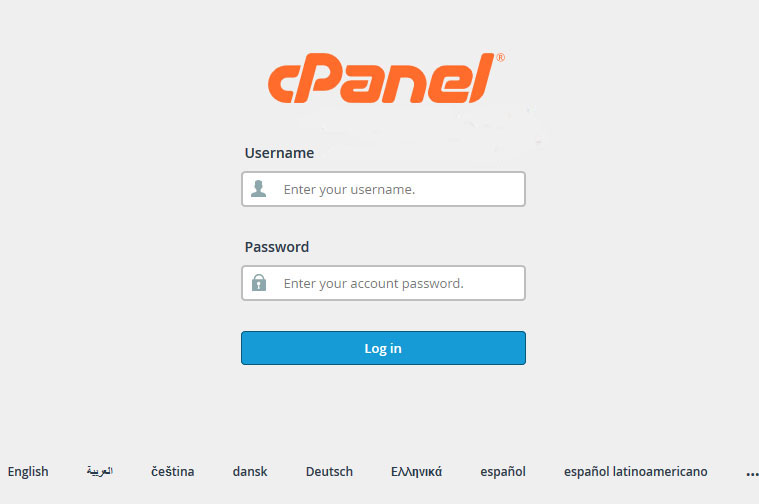
1 - We log into the cpanel control panel
2- After logging in, we go to the databases block and choose (Remote MySQL)
3- We go to the following site to bring our IP to be placed, click here to go to the site


4- After obtaining our IP, we place it in adding the access host as shown in the picture
 

5 - We click on Add Host
After completing the last step, your IP address has been added to the white list to connect to the databases


  • white list, ip, cpanel, add host, القائمة البيضاء, اي بي, سي بانيل, اضافة مضيف
  • 2 Users Found This Useful
Was this answer helpful?

Related Articles

لماذا لا يمكنني الوصول إلى موقع الويب الخاص بي والسي بنل على موقعي المستضاف ؟

لماذا لا يمكنني الوصول في بعض الأحيان الموقع المستضاف معنا لا يمكن الوصول إليه ولا يوجد أي تحديث...

لماذا تصل اغلب الرسائل الي الرسائل المهملات على استضافة الموقع

لماذا تصل اغلب الرسائل الي الرسائل المهملات على استضافة الموقع الامر في اغلب الاحيان ليس له...

Server resource consumption What is it and what is its cause? What is the solution?

Server resource consumption What is it and what is its cause? What is the solution? First: What...

تجهيز نسخة إحتياطية كاملة للموقع عن طريق السي بنل

تجهيز نسخة إحتياطية كاملة للموقع عن طريق السي بنل يمكنك الحصول علي نسخة إحتياطية كاملة للموقع...

إصلاح قواعد البيانات من السي بنل cpanel

إصلاح قواعد البيانات من السي بنل cpanel يمكنك إستخدام خاصية إصلاح قاعدة البيانات من السي بنل...